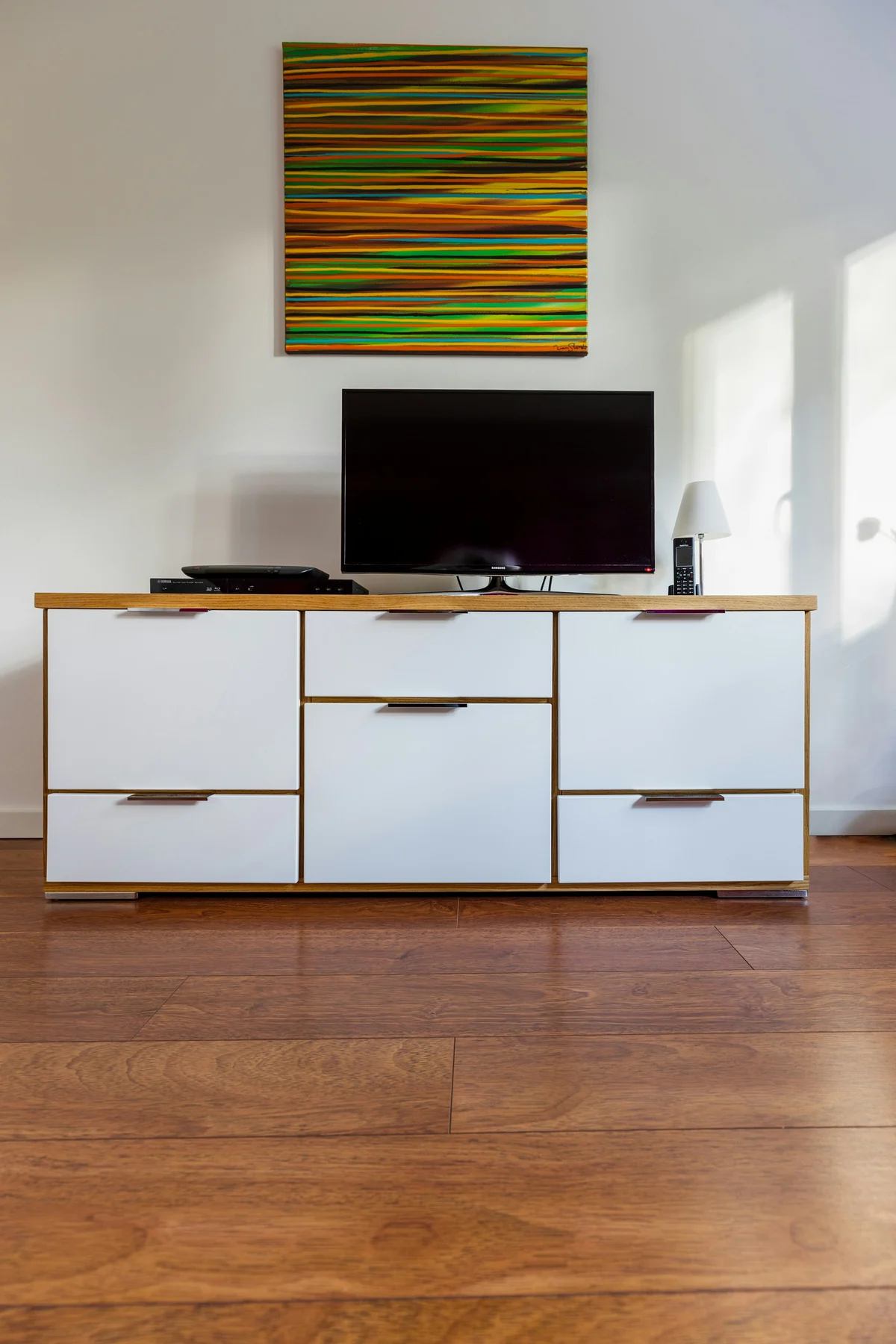
Decide what will carry the television
The US Consumer Product Safety Commission’s Anchor It! guidance says televisions should be placed on furniture designed to hold them. It also calls for securing TVs and furniture according to their instructions. This is the first buying gate: a sideboard’s width, timber species or past use under someone else’s television is not a support specification.[1]
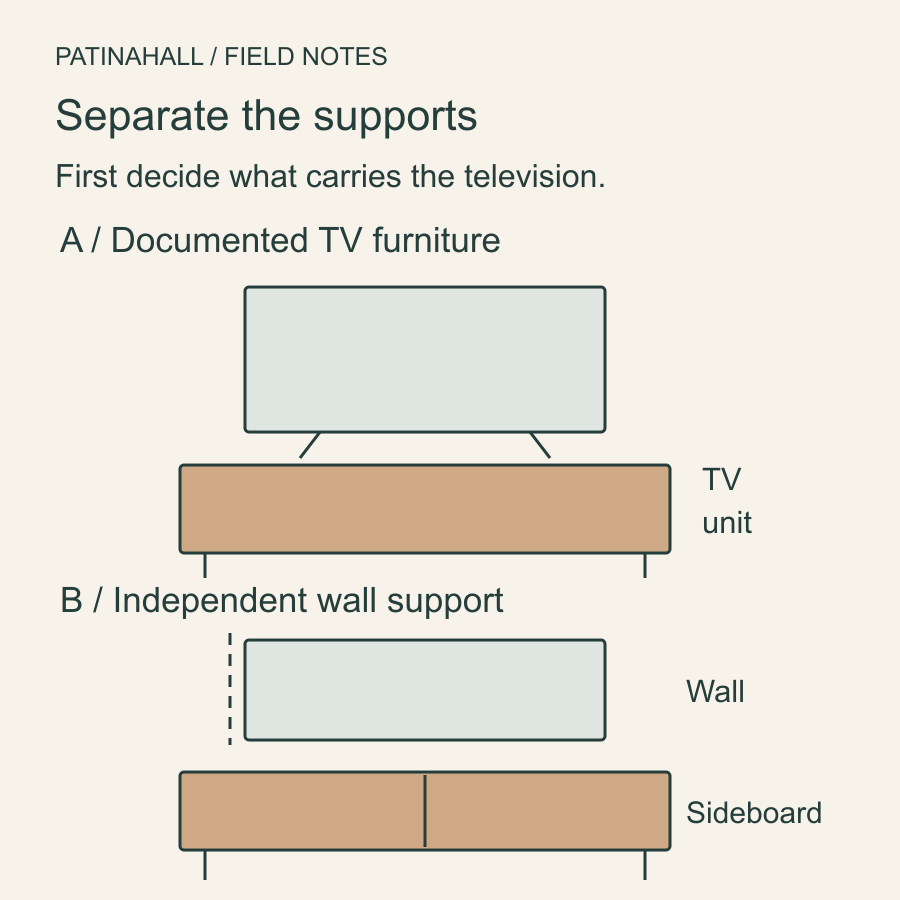
For a vintage unit sold as a TV cabinet, look for original model documentation and any stated limits. Check that they apply to the version being offered and to its present condition. Missing feet, a replaced top or a previous conversion can make an old description an incomplete basis for use.
If the sideboard has no supported TV-use claim, plan it as furniture beneath an independently mounted television, or choose a suitable TV unit. A qualified installer should assess the wall, bracket, fixings and exact screen. A photograph of plasterboard or a generic bracket rating cannot settle the whole installation.
Wall mounting the screen does not remove the sideboard’s own tip-over concern. Resolve furniture anchoring as well, especially where children live or visit, and keep tempting objects out of climbing positions. An anchor is not a substitute for a sound cabinet or permission to exceed a load limit.[1]
Measure more than the screen diagonal
A television’s advertised size is the diagonal of its screen. It does not tell you the distance between two separate feet, the depth of a central base or the assembled height. Obtain the exact model’s dimensions with its intended stand fitted. Different stand positions may have different instructions.
| Item | Record before choosing the cabinet |
|---|---|
| Television and stand | Model, assembled width/depth/height, weight and full contact footprint. |
| Furniture | Documented purpose and limits, usable top, height, condition and any modifications. |
| Equipment and room | Device sizes, required ventilation, cable connections, sockets and seating positions. |
On documented TV furniture, all required contact areas of the stand must sit where the instructions permit. Check the usable flat top inside any gallery or raised edge. A thin decorative overhang, loose stone slab or replacement glass top is not automatically an appropriate support surface.
Do the paper comparison before bringing the TV over for a trial. Standing a heavy screen on an uncertain cabinet to see whether it holds is not a measurement technique. If the documents or condition leave support unresolved, stop that arrangement at the planning stage.
Check the screen centre from the seats you use
A dining sideboard can place a screen higher than a low media unit. Sit in your normal viewing seat and use a lightweight paper outline on the wall to compare the intended screen position. Try the chair or sofa posture you actually use and check other regular seats. Avoid buying from a universal “ideal TV height” number.
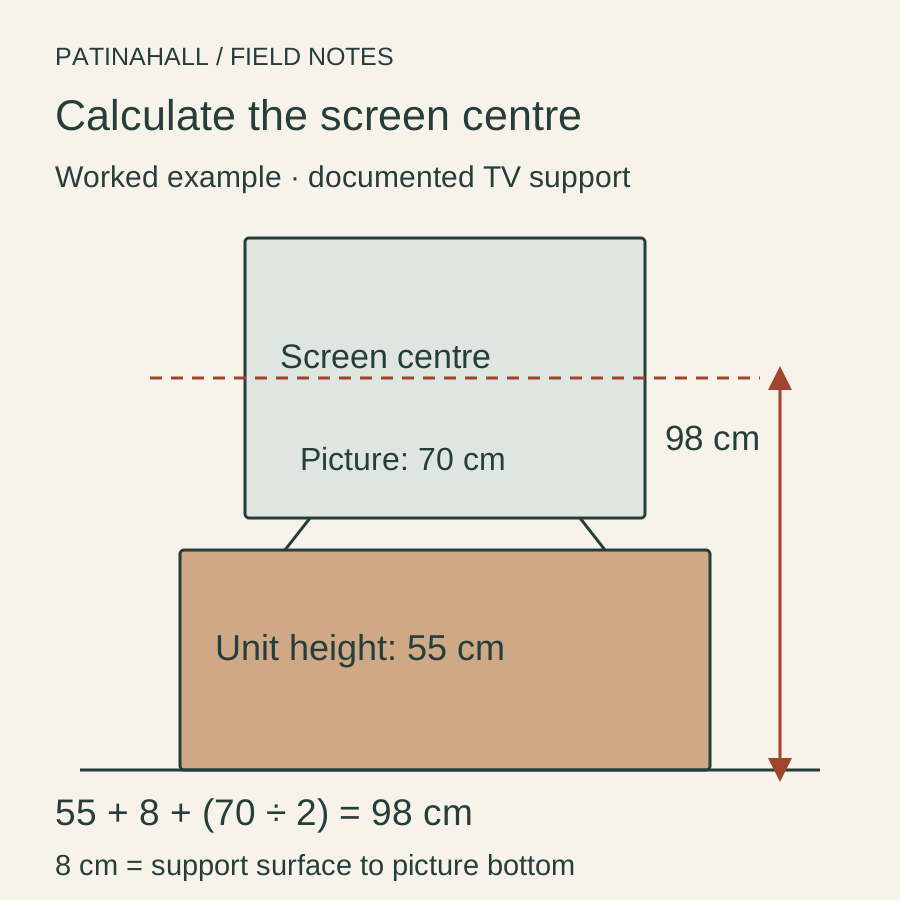
For a screen on a documented support, centre height equals furniture height, plus the distance from the support surface to the bottom of the picture, plus half the picture height. In the example, 55 + 8 + 35 = 98 cm. If a different unit is 80 cm tall, the same television arrangement puts the centre at 123 cm: 25 cm higher.
For a wall-mounted screen, the installer can consider a different height, subject to the mounting instructions and room. Allow for the furniture below, a soundbar, screen clearance and access. A favourite sideboard is a poor bargain if accommodating it puts the picture in an uncomfortable position.
Plan equipment with the doors in their normal position
Sony’s ventilation guidance explains that TV openings must remain clear and directs owners to their exact model manual. Its general dimensions are not a specification for another brand, an amplifier or a games console. Get the placement and clearance requirements for every device you intend to house.[2]
Measure usable shelf width, depth and height, including the door opening. A device can fit inside a cabinet yet be impossible to insert through a narrower opening. Include the connector and cable space behind it, not just the dimensions of the metal box.
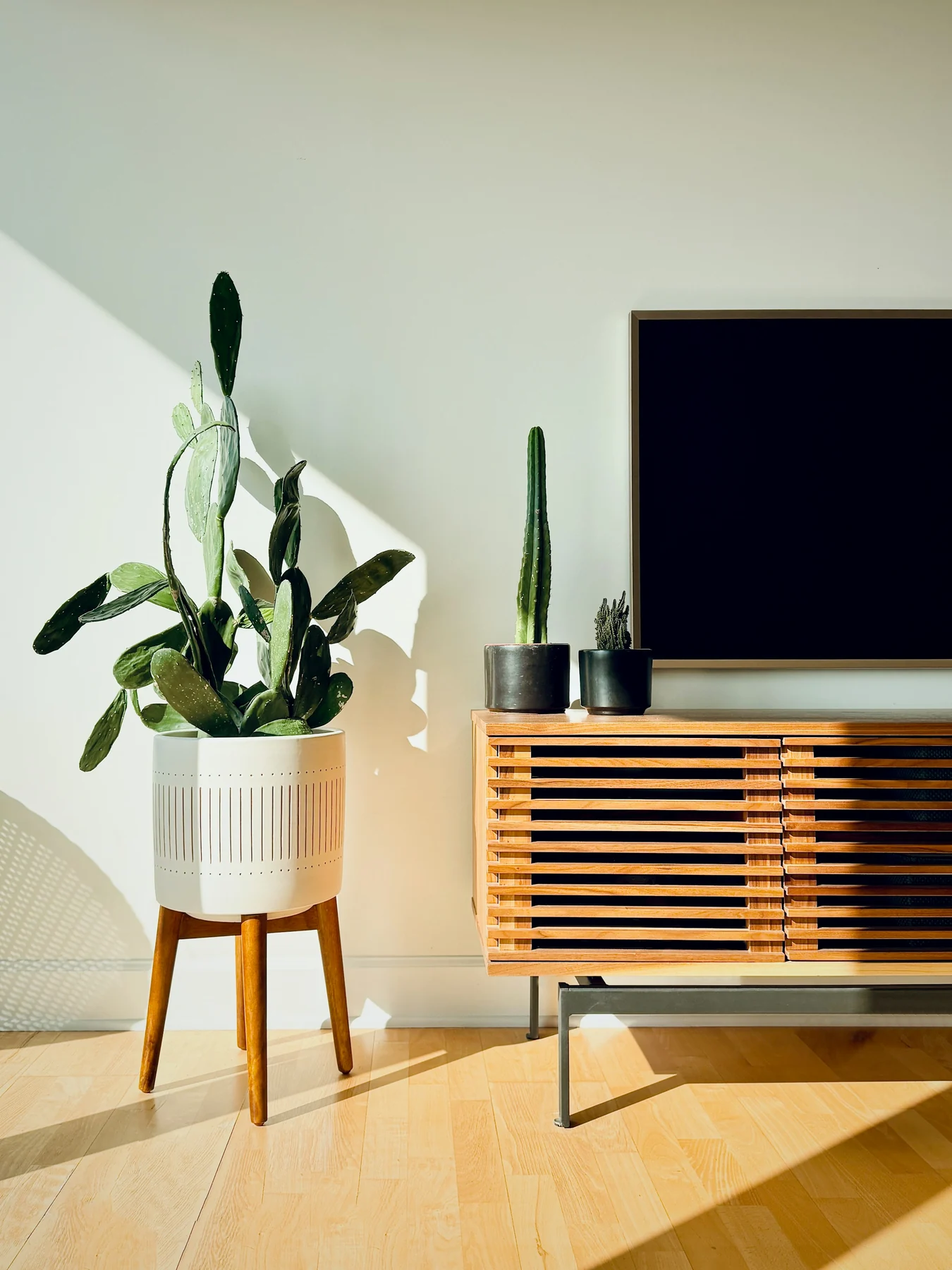
Draw the complete cable route from socket to device and screen. Check whether plugs pass through existing openings, whether a door can close without pinching a cable and whether controls remain accessible. Do not count an ajar cupboard door as the permanent ventilation plan unless the device instructions and intended use support that arrangement.
A cable hole alone does not establish airflow. If the intended equipment cannot be used in the cabinet as documented, keep it in a suitable separate location or choose furniture made for it. Agree that before deciding to cut the back out of a vintage piece.
Inspect the cabinet before planning alterations
Ask for the top, back, feet, internal supports and any existing holes or brackets. Look for a bowed top, loose joints, missing supports and repairs around previous fixings. An old surface scratch may have little bearing on this arrangement; a split where a support or anchor must attach changes the decision.
Ask the seller which boards and fittings are original, replaced or unknown. A thin back panel may not be an appropriate attachment point, and a hidden repair may need inspection. Have the installer and a furniture specialist resolve necessary anchoring or alterations for the particular object rather than prescribing screws from photographs.
Use choosing between a cabinet, sideboard and chest to check everyday storage access. If the purchase depends on new work, include the assessment and installation in your budget before paying.
A coherent arrangement can keep the sideboard’s original job intact: storage below a separately supported screen, with equipment elsewhere if necessary. Choosing that arrangement early often makes it easier to preserve a good piece without buying an unwanted restoration project.
Send the seller and installer a clear brief
Message to copy
I’m considering this cabinet for [documented TV support / storage below an independently wall-mounted TV]. Could you confirm its original purpose, model documentation and any stated load limits, plus working-top and internal dimensions? Please show the top, back, feet, supports and all repairs, holes or added brackets. My TV is [exact model] and equipment is [models]. Please identify anything unknown; I will have the support, anchoring and equipment arrangement checked before use.
Commit when the TV has a documented support arrangement, the screen position suits your seating and the equipment can operate as instructed. If the plan depends on a seller’s guess about load, an unknown wall or an unpriced conversion, resolve that question first. The sideboard can be right for the room without being the thing that carries the television.